

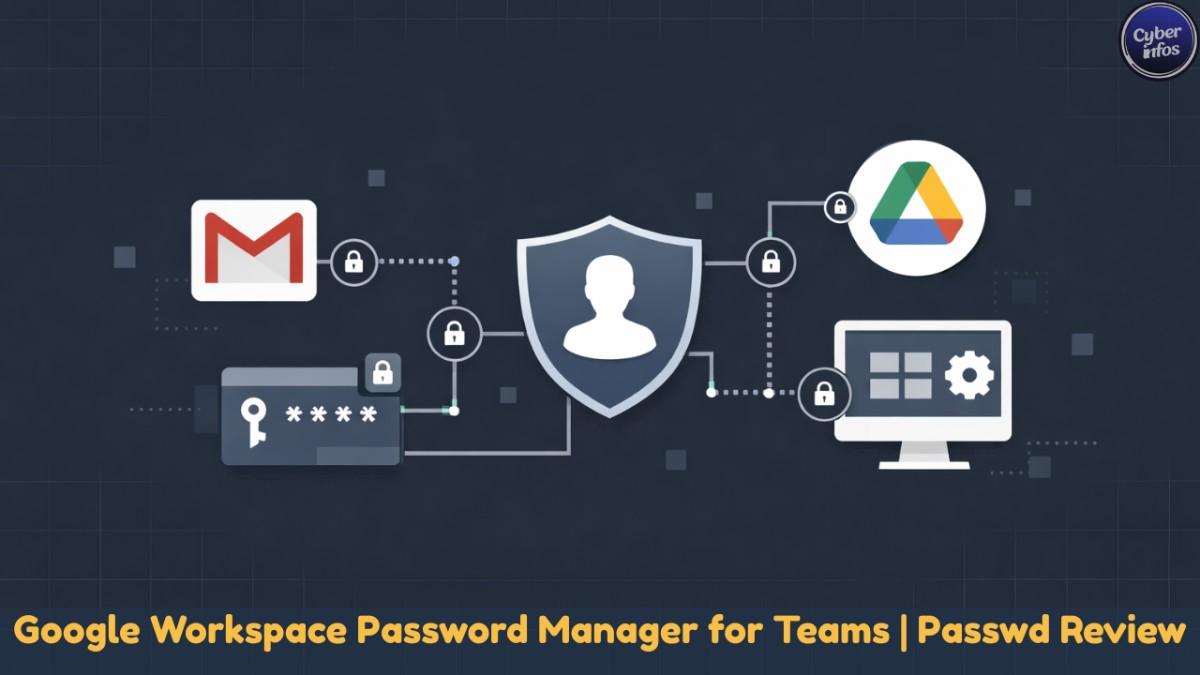
I’ll start with something I’ve seen far too often during access reviews: teams invest heavily in identity security, roll out Google Workspace company-wide, and then quietly lose control of shared credentials through chat apps, spreadsheets, or half-implemented tools. Not because encryption failed—but because identity and password management never fully lined up.
In my experience, this is exactly where a Google Workspace password manager either fits naturally or creates more friction than it solves.
This review isn’t a feature dump. After testing Passwd across real team environments—startups, agencies, and compliance-driven organizations—I want to explain why Passwd exists, who it actually works for, and where it intentionally draws limits. If you rely on Google Workspace every day, this distinction matters more than most people realize.
Why Google Workspace–Native Password Management Matters
Here’s the thing—most credential incidents don’t happen because someone cracked strong encryption. They happen because identity gets messy.
I’ve seen this happen when:
- Teams juggle multiple identity providers
- Offboarding happens late (or not at all)
- Passwords get shared “temporarily” and never reclaimed
Organizations already standardized on Google Workspace usually have identity lifecycle under control. Users, groups, SSO, policies—it’s all there. The problem starts when a password manager introduces another user directory on top of it.
That’s why a Google Workspace–native password manager changes the equation. Instead of creating a parallel identity system, Passwd treats password access as an extension of Google Workspace itself. No duplicate users. No mismatched roles. No guessing who still has access after someone leaves.
Simple idea. Big impact.
Passwd vs Traditional Enterprise Password Managers: Feature Comparison
| Category | Passwd (Workspace-native) | Traditional Enterprise Password Managers |
|---|---|---|
| Identity Integration | Google Workspace native (no separate directory) | Often separate identity source with SSO integrations |
| Authentication Source | Google Identity (SSO, Google Groups) | SSO optional; may require additional IdP setup |
| User Lifecycle Management | Automatic via Workspace onboarding and offboarding | Manual management or external IdP automation required |
| Access Governance | Group-based access using Google Groups | Internal roles and group systems within the platform |
| Deployment Options | Cloud-hosted; Enterprise plan supports customer-hosted Google Cloud deployment | Multi-tenant cloud or self-hosted infrastructure |
| Device Support | Browser and mobile apps (no desktop client) | Web, mobile, and desktop applications |
| Credential Sharing | Shared records tied directly to Workspace groups | Shared vaults or folders requiring manual assignment |
| Password Autofill & Capture | Browser extensions for Chrome, Edge, and Firefox | Browser extensions plus optional desktop agents |
| Credential Auditing | Detection of weak, reused, and outdated passwords | Advanced auditing and reporting features |
| Compliance Support | GDPR and SOC 2 readiness with access logs | Broad compliance support, often via add-on modules |
| Pricing Model | Workspace-based pricing with a free tier available | Per-user or per-seat licensing |
| Cost Scalability | Predictable as teams grow | Costs increase linearly with user count |
| Identity Provider Flexibility | Limited to Google Workspace | Supports multiple IdPs such as Azure AD and Okta |
| Configuration Complexity | Low | Medium to high |
| Onboarding Speed | Fast via Google Workspace synchronization | Slower due to directory and role configuration |
| Ideal Use Case | Organizations fully standardized on Google Workspace | Enterprises with diverse identity environments |
Cross-Platform Access Without Desktop Complexity
Let’s be real: teams don’t want more software agents.
Passwd keeps access simple and flexible:
- Browser-based access from any modern device
- Extensions for Chrome, Edge, and Firefox
- Native apps for Android and iOS
After testing this across mixed-device teams, what stood out wasn’t flash—it was fewer problems. No desktop installs meant fewer support tickets, faster onboarding, and more consistent usage.
Think of it like badge access in an office. You don’t issue different badges for every door—you connect everything back to one system. That’s the philosophy here.
Core Password Management Features (Deliberately Focused)
Here’s what surprised me: Passwd doesn’t try to be clever. And that’s a good thing.
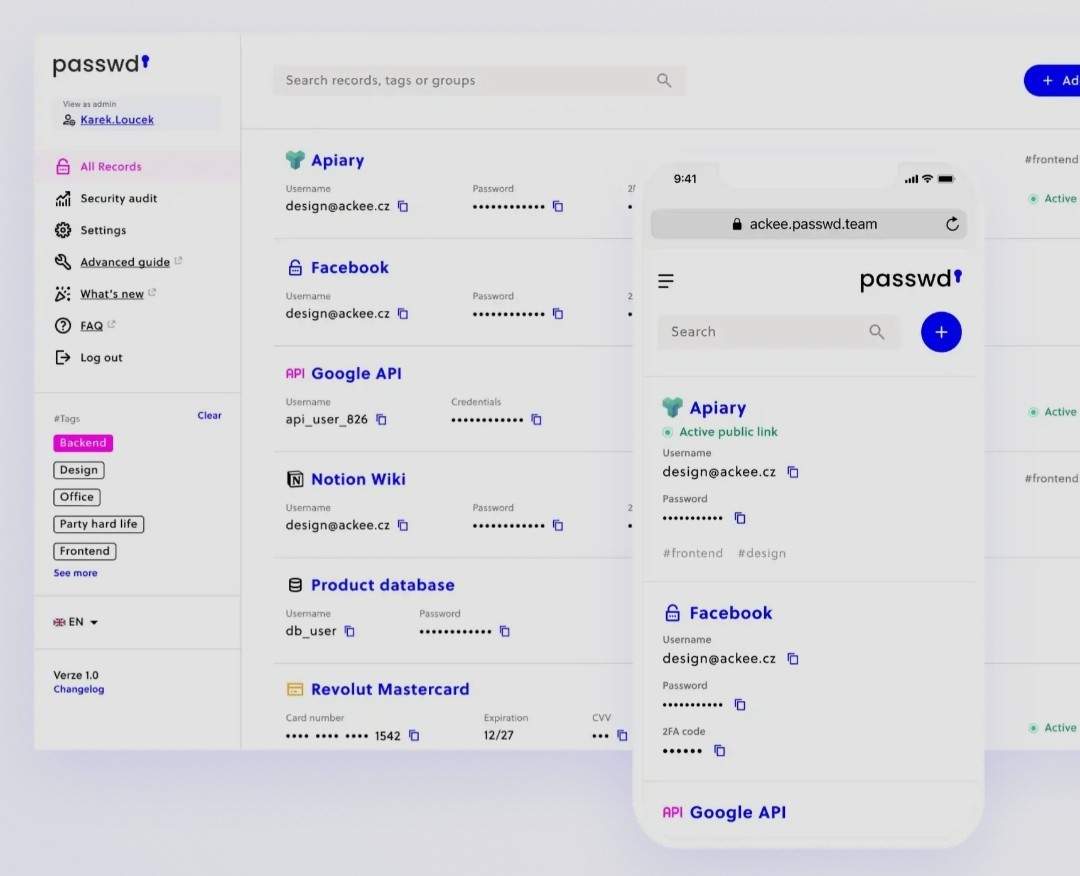
Instead of piling on fringe features, it focuses on what teams actually need from a team password manager.
Credential Security
- Strong password generation with randomized output
- Built-in checks for weak, reused, or outdated passwords
This isn’t flashy—but it’s reliable. And reliability wins audits.
Organization & Discovery
- Tag-based organization
- Fast, predictable search
- Clean editing workflows
I’ve learned the hard way that if users can’t find credentials quickly, they’ll store them somewhere unsafe. Passwd avoids that trap.
Administrative Clarity
- Straightforward interface
- Minimal setup
- No buried configuration layers
Honestly? That clarity matters more than feature count once real teams start using the system daily.
Pricing Model: Built for Organizations, Not Seats
Pricing quietly shapes behavior, and Passwd gets this right.
Instead of forcing strict per-user costs, Passwd offers workspace-based pricing—something I’ve seen reduce credential sprawl in growing teams.
Available Plans
- Starter Plan: Free, unlimited users, up to 15 records
- Workspace Plan: From $19/month, unlimited records
- Per-user option: For small teams
- Enterprise Plan: Compliance and monitoring-focused
This approach makes Passwd appealing as both a password manager for Google Workspace teams and larger organizations that share credentials across departments without wanting costs to explode.
Enterprise Readiness Without Enterprise Friction
Enterprise tools often come with enterprise headaches. Passwd mostly avoids that.
Compliance & Governance
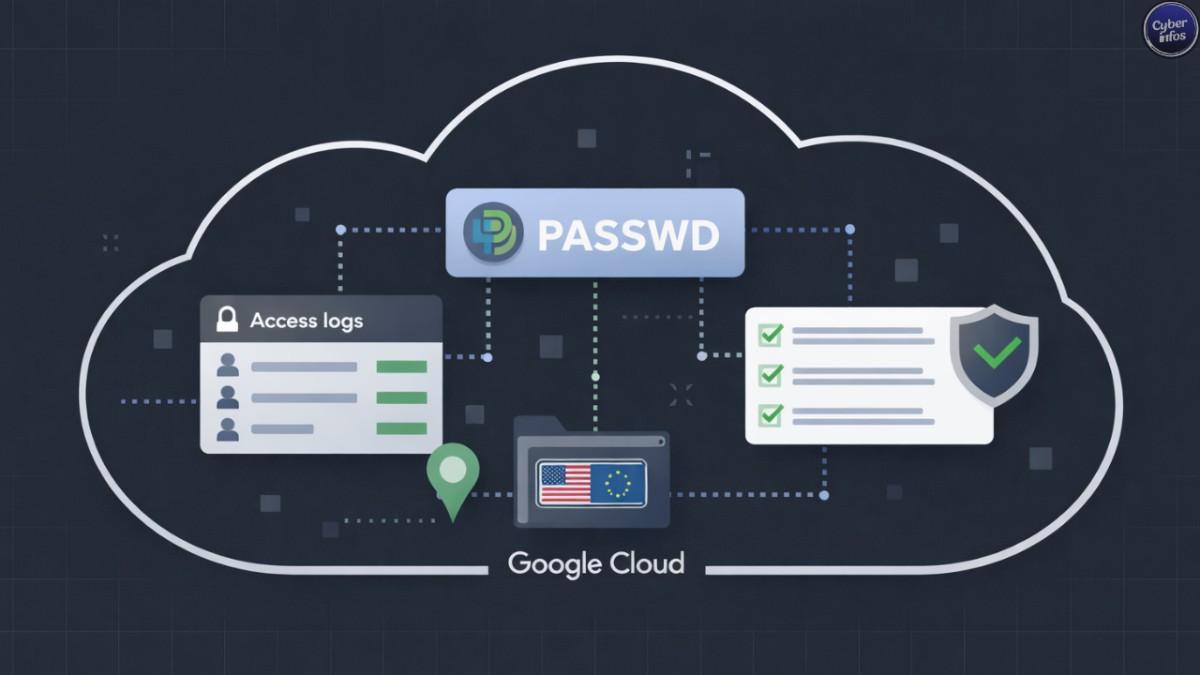
- GDPR and SOC 2 readiness
- Access logs and admin visibility
- Clear ownership of shared credentials
Now here’s the part that really stood out to me.
Standout Capability: Customer-Hosted Deployment
The Enterprise tier allows Passwd to run inside your own Google Cloud project.
That’s rare. And for regulated teams, it’s huge.
I’ve watched vendor risk reviews stall for weeks over data residency questions. Hosting Passwd internally eliminates that concern entirely, making it a strong enterprise password manager for teams operating under compliance pressure.
Google Workspace Integration: The Core Advantage
This is where everything clicks.
Passwd uses:
- Google Identity for authentication
- Google Groups for access control
- Existing onboarding and offboarding workflows
No duplicate user management. No manual role syncing. When someone joins or leaves a group, access updates automatically.
Imagine if every key in your office updated the moment HR made a change. That’s the practical benefit here.
Real-World Adoption and User Feedback
Across platforms like Trustpilot and G2, Passwd consistently holds strong ratings, with users highlighting:
- Fast Google-based onboarding
- Clean Workspace integration
- Simple, transparent credential sharing
Smaller teams often stick with the free tier longer than expected. Larger teams adopt it when offboarding failures or audit pressure force a rethink.
Where Passwd Fits — and Where It Doesn’t
Let’s be honest—focus always comes with trade-offs.
Ideal Fit
Passwd works best if you:
- Use Google Workspace company-wide
- Want identity and passwords aligned
- Share credentials across teams
- Need audit visibility without complexity
For these environments, Passwd functions as both a Passwd password manager and a natural extension of Workspace itself.
Less Suitable For
Passwd may not fit organizations that:
- Don’t use Google Workspace
- Require multiple identity providers
- Depend heavily on non-Google ecosystems
That’s not a weakness. It’s a deliberate choice.
Final thoughts
Let’s wrap this up.
What I’ve learned after reviewing countless access failures is simple: tools that respect existing identity systems age better. Passwd isn’t chasing novelty. It focuses on encryption, controlled sharing, and governance that aligns with how teams already work.
If you’re looking for a Google Workspace password manager that feels like infrastructure—not overhead—Passwd earns serious consideration.
Don’t overthink the next step.
Spin up the free plan. Connect Google Groups. Test onboarding and offboarding with one team. Ten minutes. That’s it.
