


Cybersecurity isn’t something most people think about until something goes wrong. A hacked email. A drained bank account. A social media account hijacked and used to scam friends. That moment usually comes with the same sinking feeling: “I should’ve been more careful.”
That’s why cybersecurity resolutions for 2026 matter more than ever. They’re not just a checklist you glance at once and forget. They’re habits simple, repeatable actions that quietly protect you every single day.
This isn’t about fear or technical jargon. It’s about awareness, consistency, and taking control of your digital life.
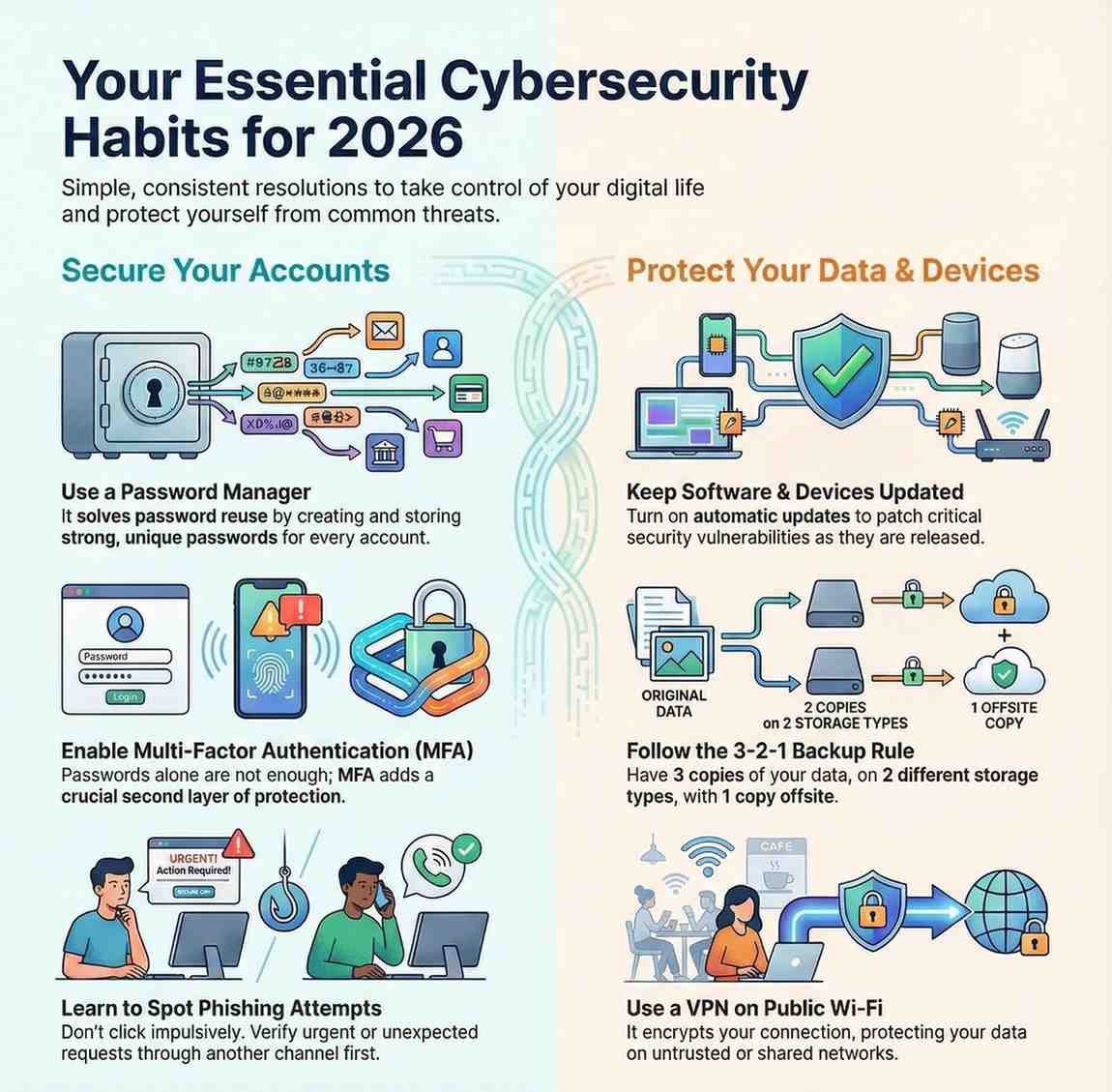
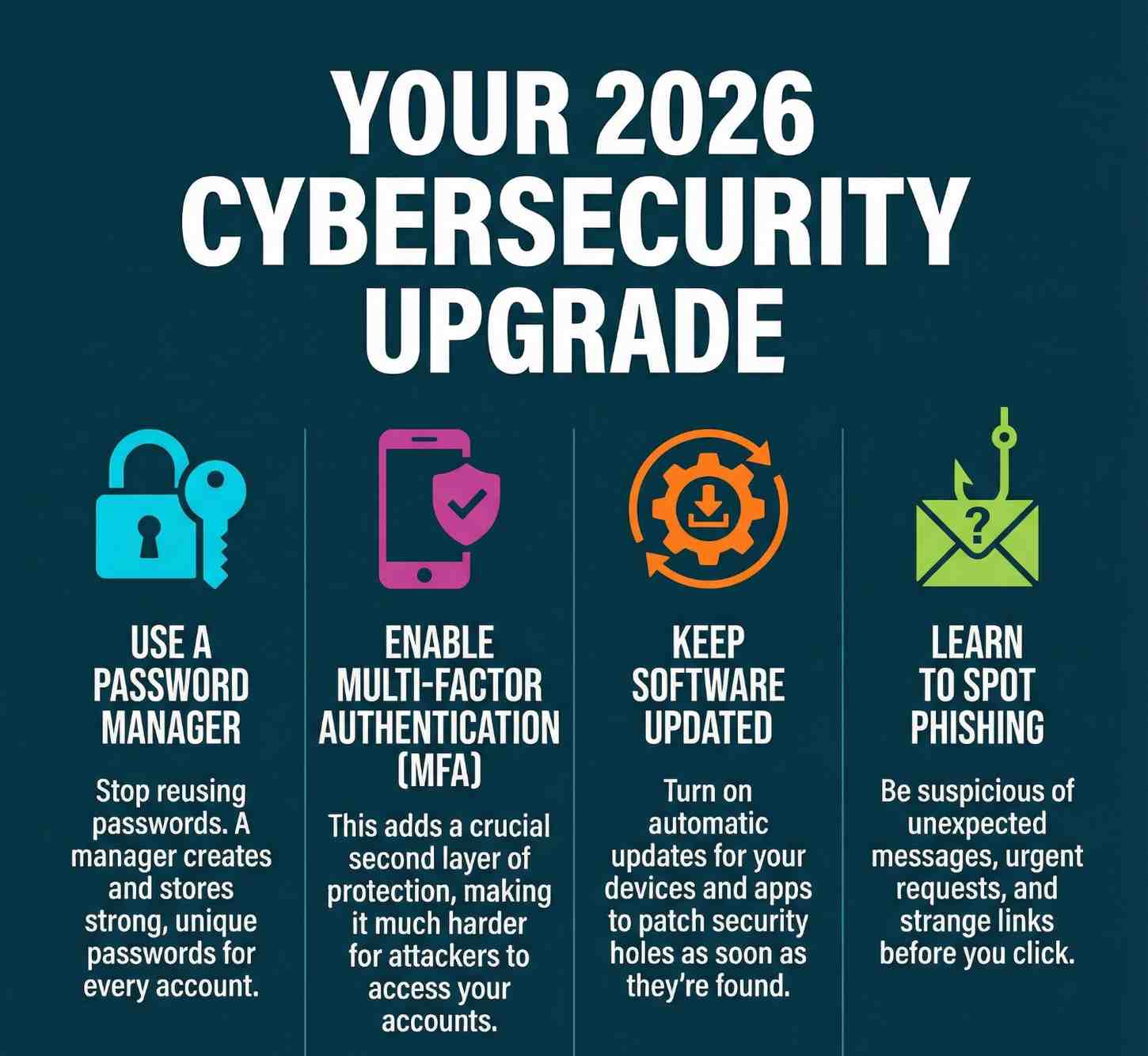
Resolution #1: Adopt a Password Manager
Let’s start with the most common mistake people make: reusing passwords.
If you use the same password—or even a slightly modified version—across multiple accounts, you’re making it easy for attackers. One data breach can open the door to everything else.
A password manager solves this problem by generating and storing strong, unique passwords for every account. You only need to remember one master password.
Why it matters
Password reuse is still one of the most common causes of account compromise. Once attackers get one password, they try it everywhere.
Recommended tools
Bitwarden, 1Password, and Dashlane are trusted options that encrypt your data and sync securely across devices.
How to get started
Import your existing passwords, then gradually replace weak or reused ones. You don’t have to fix everything in one day.
One rule to remember
Your master password should be long, unique, and never reused anywhere else.
Resolution #2: Enable Multi-Factor Authentication (MFA)
Passwords alone are no longer enough. Multi-factor authentication adds an extra layer of protection that makes account takeovers far more difficult.
How MFA works
- Something you know (password)
- Something you have (authenticator app or security key)
- Something you are (biometrics)
Where to enable MFA
Email accounts, banking apps, cloud storage, and social media should always have MFA turned on.
Hardware vs app-based MFA
Security keys offer the strongest protection, while authenticator apps are a reliable and convenient alternative.
Backup codes matter
Store recovery codes somewhere safe. Losing access without backups can lock you out permanently
Resolution #3: Keep Software and Devices Updated
Outdated software is one of the easiest ways for attackers to gain access to systems.
Operating systems
Enable automatic updates on Windows, macOS, Android, and iOS to receive security patches as soon as they’re available.
Applications
Browsers, productivity tools, and communication apps all need regular updates to stay secure.
Firmware updates
Routers, smart TVs, and other connected devices also need updates, even if they’re rarely used.
Make it automatic
Turning on automatic updates removes the risk of forgetting to patch critical vulnerabilities.
Resolution #4: Learn to Spot Phishing Attempts
Phishing attacks are more convincing than ever. Attackers now mimic real brands, real people, and real conversations.
Common warning signs
Unexpected messages, urgent requests, strange links, or small spelling mistakes are all red flags.
Modern phishing tactics
Attackers now use AI to write convincing messages that look completely legitimate.
What to do
Don’t click impulsively. Verify the sender through another channel before responding.
Resolution #5: Review Privacy Settings Regularly
Most apps collect far more information than users realize. Reviewing your privacy settings puts control back in your hands.
Social media
Limit who can see your posts, contact details, and activity history.
Mobile apps
Check permissions regularly and remove access that isn’t necessary.
Browser settings
Enable tracking protection and limit third-party cookies where possible.
Resolution #6: Follow the 3-2-1 Backup Rule
Data loss can happen through accidents, hardware failure, or ransomware. Backups are your safety net.
- 3 copies of your data
- 2 different types of storage
- 1 offsite backup
Backup strategies
Combine cloud storage with an external drive for redundancy.
Test your backups
Occasionally restore files to ensure your backups actually work.
Encryption matters
Encrypt backups so stolen devices don’t expose your data.
Resolution #7: Use VPNs on Public Wi-Fi
Public Wi-Fi networks are convenient, but they’re also risky.
When to use a VPN
Anytime you connect to public or shared Wi-Fi.
Choosing a provider
Look for strong encryption, clear privacy policies, and a no-logs approach.
Mobile protection
Install VPN apps on phones and tablets as well.
Resolution #8: Take Security Training Seriously
You don’t need to be a cybersecurity expert to protect yourself, but basic knowledge makes a big difference.
Learning resources
Online courses, webinars, and government resources can improve your awareness.
Professional development
Security certifications and internal training programs strengthen long-term skills.
Practice matters
Training only works when you apply it in real situations.
Resolution #9: Create a Personal Incident Response Plan
When something goes wrong, panic makes everything worse. A simple plan keeps you focused.
Know what to do
Change passwords, secure accounts, and contact service providers immediately.
Keep information handy
Store recovery contacts and important details in a secure location.
Practice scenarios
Think through possible incidents so you’re not caught off guard.
Resolution #10: Consider Cyber Insurance
Cyber insurance isn’t just for large companies anymore.
Personal protection
Some policies help with identity theft recovery and financial losses.
Business coverage
Small businesses can benefit from coverage against cyberattacks and data breaches.
Is it worth it?
For many people, the peace of mind alone makes it worthwhile.
Final Thoughts
Cybersecurity doesn’t require perfection. It requires consistency.
By building these habits into your routine, you significantly reduce your risk without making your life harder.
These cybersecurity resolutions for 2026 aren’t about fear they’re about confidence, control, and staying one step ahead in an increasingly digital world.
