

Microsoft is investigating a critical Windows 11 boot failure January 2026 update issue after its latest Patch Tuesday release caused widespread startup problems and system instability. The flawed update, KB5074109, impacts Windows 11 versions 25H2 and 24H2, affecting both consumers and enterprise environments.
For many Windows 11 users, January’s routine security update turned into a worst-case scenario: computers that would no longer start. What should have been a standard Patch Tuesday instead resulted in black screens, endless reboots, and systems locked out of Windows entirely.
This article walks through what went wrong with Microsoft’s January update, how serious the issue is, who is affected, and most importantly what users and IT teams can do right now to avoid further disruption.
Windows 11 Boot Failure January 2026 Update Triggers Startup Errors
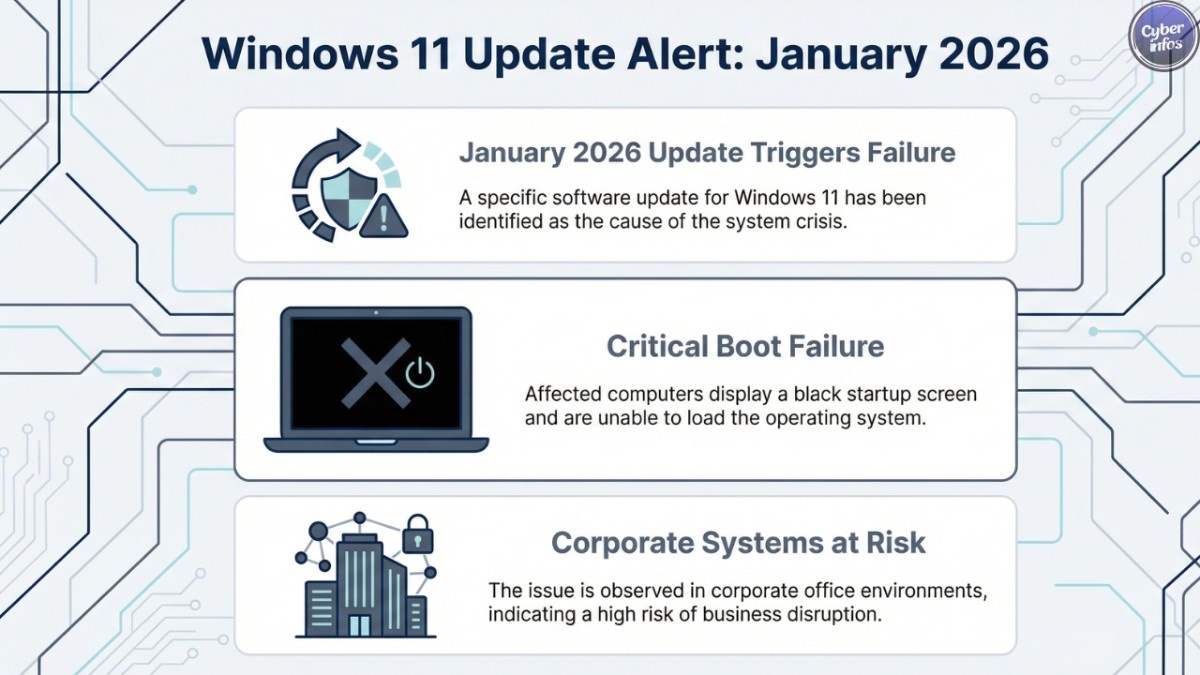
Following the January 13, 2026 security rollout, users began reporting severe problems linked to the Windows 11 boot failure January 2026 update, including boot loops, black screens, and complete system inaccessibility.
Stop Code 0xED – UNMOUNTABLE_BOOT_VOLUME
This error prevents the operating system from loading, forcing affected users to rely on recovery tools. Microsoft confirmed it has received “a limited number of reports” in which devices fail to complete startup after installing KB5074109.
Initial analysis indicates the Windows 11 boot failure January 2026 update primarily affects physical hardware, while virtual machines appear unaffected.
Manual Recovery Required via Windows Recovery Environment
For users encountering this failure, there is often no warning and no graceful fallback. Once impacted by the Windows 11 boot failure January 2026 update, systems become completely inaccessible.
Users are forced to enter the Windows Recovery Environment (WinRE) to manually uninstall the update. In enterprise environments, this has resulted in lost productivity, emergency recovery procedures, and unplanned downtime across fleets of devices.
January Update Also Causes System Instability and GPU Conflicts
Even systems that successfully start are not necessarily safe. The Windows 11 boot failure January 2026 update has also introduced multiple stability regressions that affect day-to-day usability, including:
- Random system freezes and hard lockups
- Black screens where the Windows UI fails to load
- Graphics driver conflicts during GPU-intensive workloads
Creative professionals reported critical failures in BforArtists 5.0, where switching viewport shading modes causes indefinite hangs without any blue screen or crash report.
These failures are believed to stem from conflicts between kernel-level changes, DirectX, and existing graphics drivers.
Enterprise Disruptions: AVD, Windows 365, and Outlook Impacted
The Windows 11 boot failure January 2026 update has also disrupted enterprise workflows that rely on cloud and productivity services.
- Azure Virtual Desktop
- Windows 365
This prevented users from signing in to remote desktops altogether, prompting Microsoft to issue an out-of-band fix (KB5077744) on January 17.
Separately, Outlook Classic users reported freezes during launch and failures to sync POP and SMTP accounts.
Recommended Mitigation for Affected Windows 11 Systems
For devices affected by the Windows 11 boot failure January 2026 update:
- Boot into WinRE
- Uninstall the KB5074109 quality update
For systems that boot but remain unstable:
- Pause Windows Updates immediately
- Roll back the update via:
Settings → Windows Update → Update history → Uninstall updates
For enterprise IT teams:
- Deploy Known Issue Rollback (KIR) policies where available
- Delay Windows 11 25H2 rollouts until Microsoft releases a comprehensive fix
Outlook: What Users Should Expect Next
Microsoft has not yet released a permanent fix for the Windows 11 boot failure January 2026 update. Until remediation guidance and a validated patch are available, users and administrators are strongly advised to delay installing KB5074109 on production systems.
The incident underscores a growing concern in modern IT environments: even security updates can introduce critical operational risk.
Further updates are expected as Microsoft continues its investigation.
Reader Takeaway
If your system is stable, now is the time to pause updates.
If your system is broken, recovery, reinstall is the priority.
This is not an isolated glitch but a reminder that patch management has become a frontline reliability issue for Windows users worldwide.
