

Have you ever downloaded an app that promised “security” but left you wondering what it really does with your data? In today’s world, where almost everything we do is connected to our smartphones, it’s natural to worry about who can see what — and how much control we actually have.
Recently, India made headlines after rolling back an order that would have required every smartphone — old and new — to come with a government-issued cybersecurity app called Sanchar Saathi, installed permanently and without the option to delete it. The move sparked a major debate on digital privacy, cybersecurity awareness, and what it means to protect your data in a world full of scams, theft, and surveillance concerns.
In this post, we’ll break down what happened, why it matters, and what everyday users like you can do to stay safer online.
What Was the Mandate — and Why Did People Worry?
In late November, India’s Department of Telecommunications (DoT) issued an order that all smartphone manufacturers must:
- Pre-install the Sanchar Saathi app on every new device
- Install it retroactively on existing smartphones
- Ensure users could not disable or remove it
To many people, this felt like losing control over their own devices.
Imagine waking up and finding a new app on your phone — one you didn’t choose, can’t remove, and don’t fully understand. That alone raised strong concerns about digital privacy and whether such an app could be misused for surveillance.
Within days, the backlash grew, and the government withdrew the order. The official explanation: the app was already seeing “increasing acceptance,” so forcing it was unnecessary.
What Is Sanchar Saathi Really Meant to Do?
Before we judge the app, it’s important to understand its purpose.
India faces a massive problem with SIM fraud, mobile phone theft, phishing scams, and digital financial crimes. With nearly every citizen using a phone and cybercrime rising by more than 30% in 2023, criminals are constantly looking for ways to exploit users.
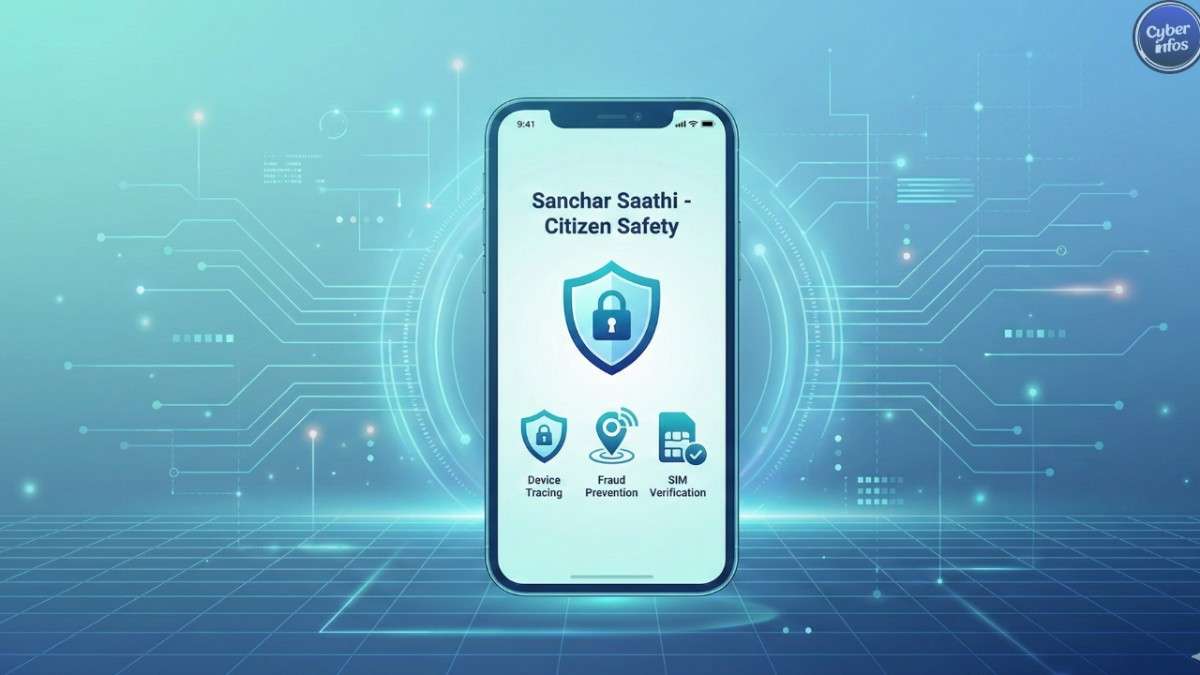
Sanchar Saathi aims to fight that by letting citizens:
- Report lost or stolen phones
- Block suspicious SIM cards registered in their name
- Identify fake or duplicate devices
- Disconnect numbers they don’t recognize
- Prevent fraud by tracking IMEI misuse
According to government claims, the app has already helped:
- Deactivate 4.2 million lost/stolen devices
- Retrieve over 700,000 phones
- Block 600,000 fraud-linked IMEI numbers
- Prevent financial losses worth millions
Whether or not all these numbers are independently verified, the problem the app addresses is real. Mobile theft and fraud continue to target millions of people every day.
If It Helps People, Why the Pushback? (Digital Privacy Concerns Explained)
While Sanchar Saathi comes with real benefits, many citizens, privacy advocates, and cybersecurity experts raised valid concerns:
a. Lack of Transparency
People want to know what data an app collects, who sees it, and how it’s used. Without clear explanations, trust becomes difficult.
b. Fear of State Surveillance
India has previously faced allegations of spyware being used on journalists and activists. This history made people worry:
Could a nationwide database of mobile devices be misused?
c. No Option to Disable or Delete
Forcing an undeletable app onto every smartphone takes control away from users — something no one wants, even if the app is harmless.
d. Weak Legal Safeguards
Even though the Supreme Court recognizes privacy as a fundamental right, there are limited mechanisms to hold government agencies accountable when they misuse data.
These concerns don’t mean the app is harmful — but they do highlight the need for transparency, consent, and clear safeguards.

What Can You Learn From This Incident? Important Cybersecurity Tips for Everyday Users
You may never face a national app mandate, but this situation teaches us important lessons about online safety and digital privacy.
Tip 1: Always Understand What Apps Are Doing on Your Device
Before installing any app (government or otherwise), check:
- What permissions it asks for
- Why those permissions are needed
- Whether the app comes from a trusted source
This simple habit protects you from spyware, phishing apps, and data misuse.
Tip 2: Protect Your Device Like You Protect Your Wallet
Smartphones often contain:
- Banking details
- Personal photos
- Work emails
- Saved passwords
Enable features like Find My Device, screen locks, biometric protection, and SIM locking.
Tip 3: Be Alert to SIM Fraud and Unknown Connections
If you receive alerts about:
- New SIM cards
- Numbers registered under your name
- Suspicious OTPs or login attempts
Take it seriously. Report it immediately to your telecom provider.
Tip 4: Stay Updated on Digital Privacy Laws and Tools
Awareness is your best defense. Platforms like Cyberinfos regularly publish cybersecurity tips, phishing awareness guides, and digital safety updates that can help you stay informed.
Tip 5: Don’t Rely on Any One App for Security
Even helpful tools have limits. Combine multiple good habits:
- Avoid suspicious links
- Use strong passwords
- Enable two-factor authentication
- Keep your device updated
- Regularly review active apps and permissions
Good cybersecurity is not one action — it’s a combination of consistent behaviors.
So…Should You Use Sanchar Saathi?
If you’re concerned about device theft or SIM misuse, the app offers practical tools.
If you’re concerned about privacy, wait for independent audits and clear explanations of how your data is handled.
Either way, the important thing is that you get to choose, not the government.
Final thoughts
No app — not even a government-backed one — can replace good habits and informed decisions.
Staying safe online doesn’t require expert knowledge. It simply requires awareness, consistency, and the willingness to take small steps that protect your data and your privacy.
Cybersecurity is not about fear — it’s about empowerment. And with the right information, you’re already ahead of most online threats.Stay aware. Stay safe. Stay in control.
