


Cyberattacks now happen every 39 seconds, making data security more important than ever. With today’s connected world, both individuals and companies must protect their sensitive information. A firewall acts as a first line of defense, blocking unauthorized access and keeping your data safe.
As the saying goes, “An ounce of prevention is worth a pound of cure.” Firewalls give you that prevention, especially as online threats keep growing.
Would you leave your most valuable things in an unlocked house? Leaving your systems without protection is just as risky. A firewall makes sure your door is locked tight, keeping harmful attackers out.let’s see detailed blog article about How Firewalls Keep Your Data Safe: A Deep Dive into Cybersecurity
What is a Firewall?
A firewall is a security appliance or software that filters network traffic based on an established set of rules on incoming and outgoing traffic.
In other words, a firewall can be considered as a fence that separates the internal network from the outside world and rejects any negative elements that could be potentially dangerous.
There are two main types of firewalls.
- hardware
- software
Network firewalls are physical devices that sit between the network and the Internet and allow only the required traffic into the network. They are normally deployed in large networks and make a good layer of security.
Software firewalls are the ones that are installed within the operating systems of computers, smartphones or any other device and are perfect for home or for small businesses.
[Also read: Antivirus Your Silent Cyber Guardian 10 Ways it Protects You]
How Firewalls Work to Protect Your Data
Firewalls protect your data through several key mechanisms:
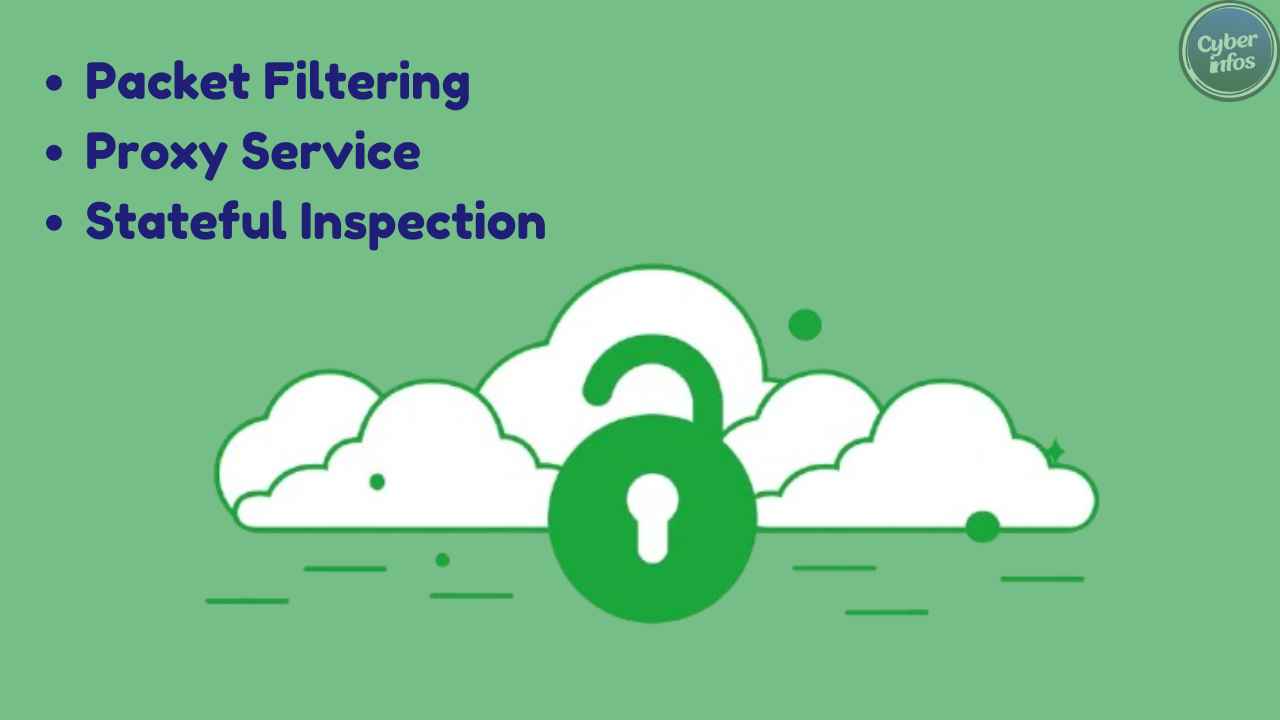
Packet Filtering : This technique analyzes packets of data as they pass through the network interfaces either entering or exiting the network. It either permits or denies these packets based on set security policies which include IP addresses, port numbers or protocols.
Proxy Service : This means that a firewall can help to sit between the user and the internet. This way, the user remains anonymous, and the information is first cleansed before it enters the internal environment.
Stateful Inspection : This sophisticated technique keeps an eye on the status of ongoing connections and acts accordingly depending on the type of traffic. It is more flexible and safe to use as compared to the simple filter.
Some practical applications of firewalls include preventing the flow of malicious traffic during a Distributed Denial of Service (DDoS) attack or prohibiting access to valuable information within a company’s network.
[Also read: Insider Threats Explained: The Source of 60% of Cyber Attacks]
Key Features of Effective Firewalls
Monitoring and Logging: A good firewall is always on the watch for network traffic and maintains records of all events. This assist in the early detection of threats and in the handling of the threats as they occur.
Threat Detection: Today’s firewalls have threat detection mechanisms, which analyze the traffic and prevent activities that are potentially dangerous, for instance, malware or phishing.
Regular Updates: Firewalls are always under threat by new threats hence the need to update the operating firewall with new security patches and configurations.
Configuration is also crucial, because wrong configurations can create holes into which cybercriminals can step in.

Benefits of Using Firewalls in Cybersecurity
Firewalls offer several benefits that contribute to a secure digital environment.
Preventing Unauthorized Access: In this manner, firewalls help to block hackers from getting access to your network since they can filter traffic that is coming in.
Safeguarding Sensitive Information: Firewalls prevent unauthorized access and the possibility of data leakage to preserve the data’s integrity.
Ensuring Compliance: Some industries cannot afford to let their data be accessed by the wrong people. Firewalls assist organizations in being compliant to these regulations by protecting data and keeping records of audit.
[Also read: 5 Simple Hacks to Secure Your Personal Computer]
Common Firewall Challenges and How to Overcome Them
Despite their effectiveness, firewalls do come with challenges.
False Positives: Now and then even good clean traffic ends up being filtered out by some sort of mistake. This can be managed through adjustment of the firewall’s configuration or going through the logs more frequently.
Complex Configuration: Using firewalls can be a little complicated in terms of setting up especially for large organizations. To overcome this get a professional who will help or use technology that makes work easier and efficient.
Maintaining Performance: Firewalls can cause reduction in network speed if issues related with them are not well handled. Optimization can therefore ensure that the needs of the two are met in equal measure to ensure that the organization’s system is not compromised.
[Also read : The 15 Most Common Types of Malware: Protect Your System from Digital Threats]
Emerging Trends in Firewall Technology
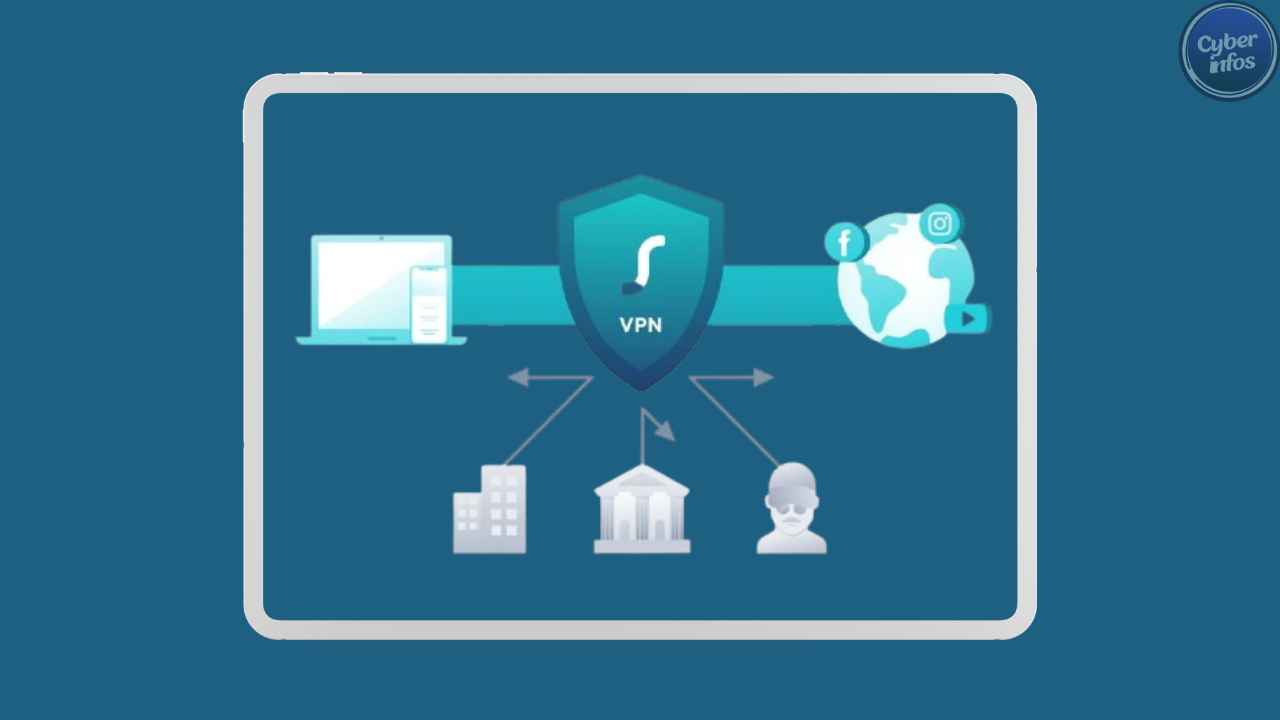
AI-Driven Firewalls: AI is being adopted in the firewall solutions to improve the levels of security threat detection as well as mitigation.
Cloud-Based Firewalls: With increasing adoption of cloud-based applications and storage solution in businesses around the world, cloud firewalls are playing vital role in safeguarding information assets hosted in the cloud computing platform. They provide great scalability and flexibility which are very relevant for today’s business.
The field of firewall technology is rapidly evolving, with new trends shaping the future of cybersecurity.
Conclusion
Lastly, it should be noted that firewalls are effective means to combat threats of cyber-space. They sought your information, prevent intrusion and assists you in observing with security protocols. Basically the concept of having a good firewall plan is important for anyone who wouldn’t want their digital material to be compromised.

3 Comments
Pretty! This has been a really wonderful post. Many thanks for providing these details.
You consistently produce high-quality content, and this post is no exception. Your ability to make learning enjoyable is truly inspiring!
This post is a goldmine of information! I appreciate how you’ve backed up your points with examples and kept the tone conversational. More writers should take notes from your approach. Well done!